An AI editor that reads
your node, not just your prompt.

Open your Substrate or Polkadot SDK project and ask. CROCODE searches the tree, opens the files, and comes back with a diff you approve — on a machine with 8GB of RAM.

Built on software that already exists

What CROCODE does

Three things a
generic assistant will not do.
Template mockup: an agent creation form with name, description and a deploy button.

It knows the framework

Pallets, `#[pallet::config]`, `construct_runtime!`, chainspecs and weight files are in the agent's instructions already, so you are not explaining your repo to it on turn one.
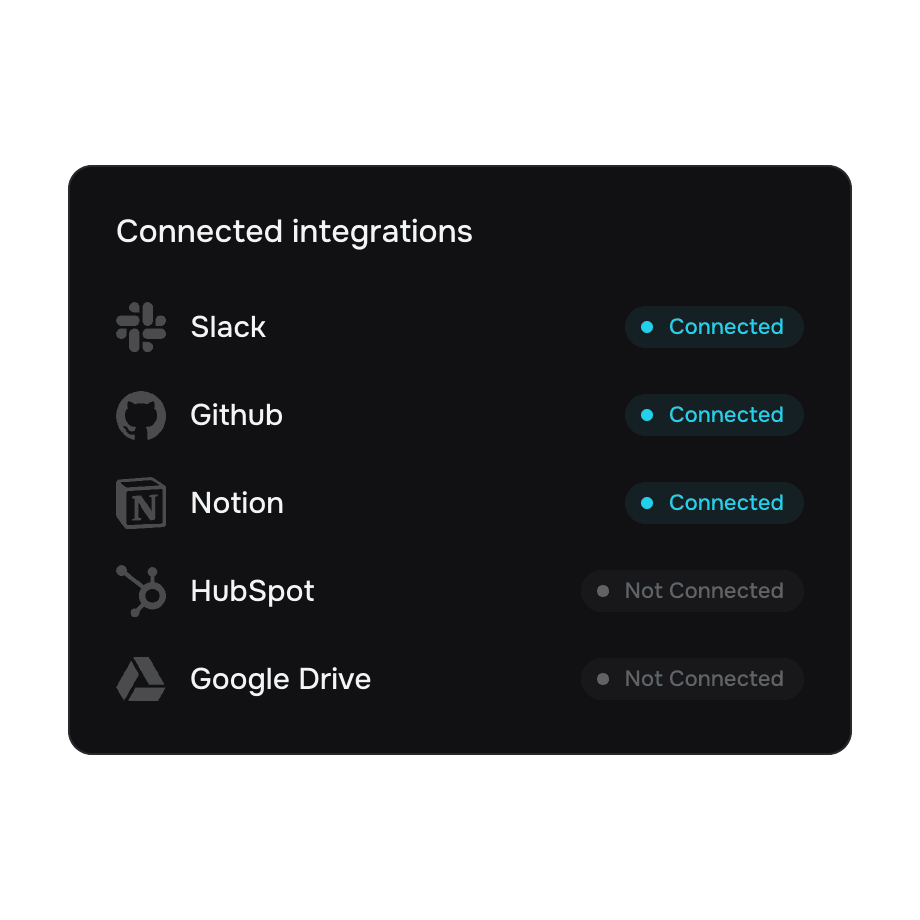
Template mockup: a list of connected third-party services.

It reads before it writes

Listing directories, opening files and searching the project are real tool calls the model makes — up to eight per turn, each one shown in the trace.
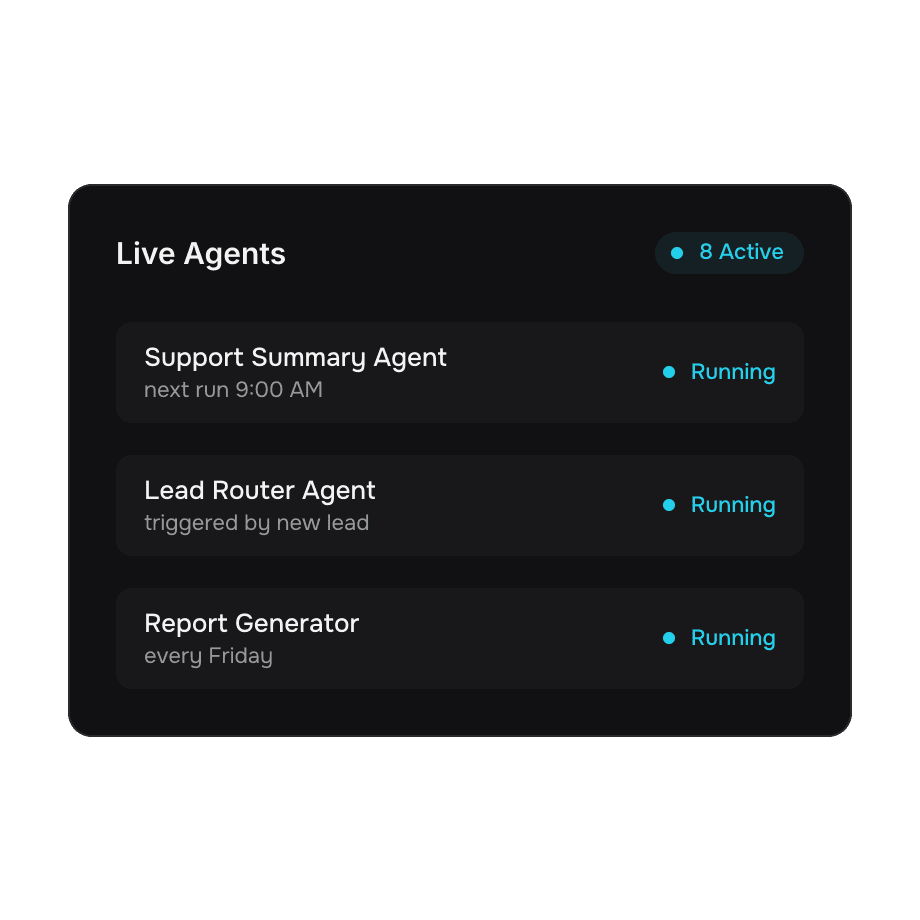
Template mockup: running agents shown with their triggers.

Nothing lands without you

Every change arrives as a queued proposal with the original content attached. The agent is told in its own prompt that it has written no file, because it has not.

Use cases

One editor.
Both ways you work it.
Pallet work

Add a storage item, thread a new event through `pallet-balances`, or work out which call weights need re-running after a signature change.

Chain configuration
Runtime upgrades
Tests and benchmarks
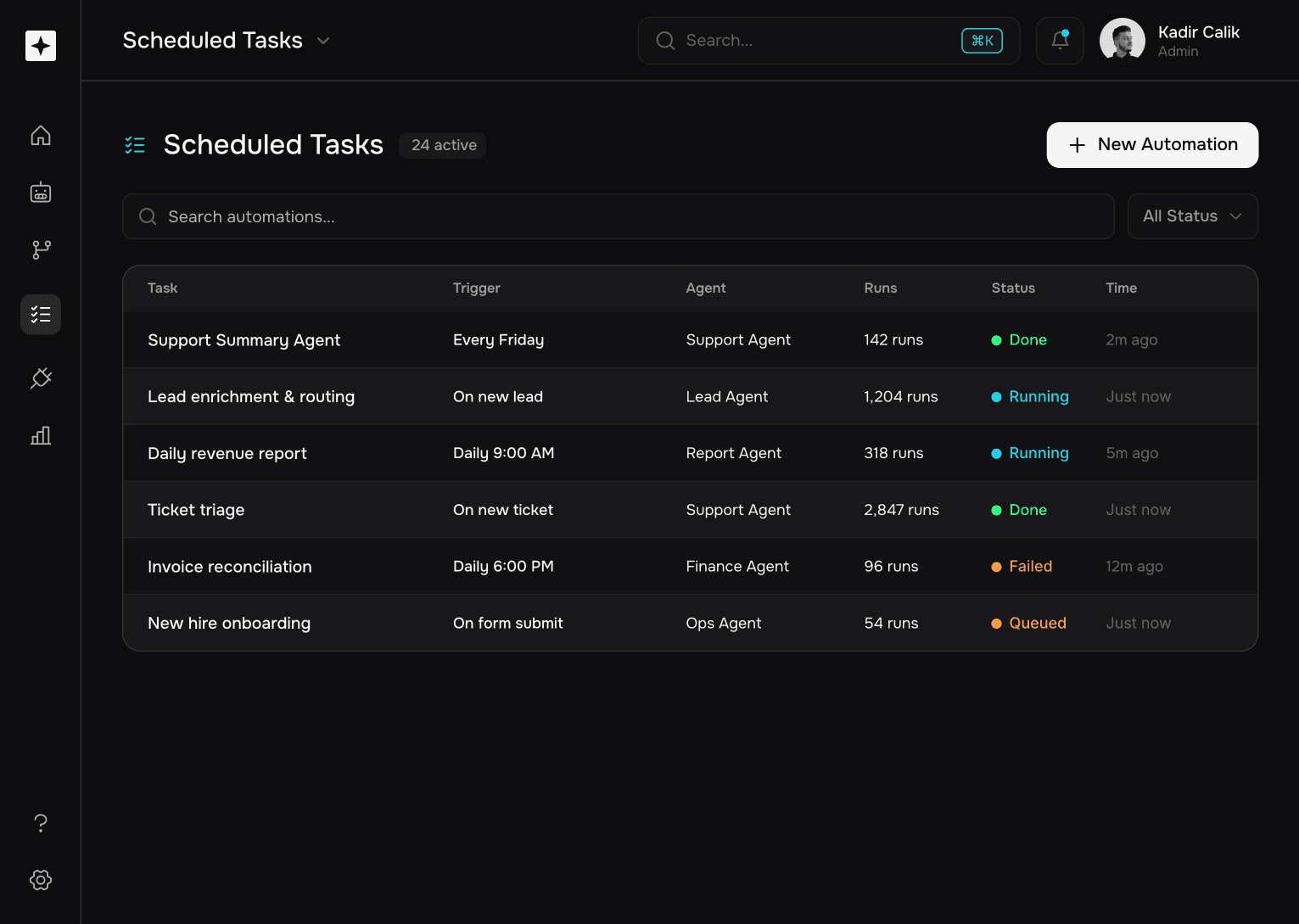
Template mockup: a scheduled task list with run counts and status.
Template mockup: a routing dashboard with four summary metrics.
Template mockup: a five-step classification flow.
Template mockup: an analytics view with a bar chart and a ranked list.

How it works

From open folder
to approved diff.

Step 1
Open the project

Point CROCODE at your node's directory. The tree, the search index and git status are read from disk, not typed in by you.

Step 2
Ask for the change

Say what you want in ordinary language. Vibe mode is a conversation; flip to the IDE whenever you want to see the files.

Step 3
Approve the diff

Review each proposed edit against the original. Unapproved proposals change nothing on disk.

Built for small machines

Everything that keeps
8GB usable.

Runs on an i3

One Windows binary, WebView2 already on the machine, and a release build measured at 277 MB of private bytes with a project open.

Your key stays local

The API key lives in the Windows credential vault. There is no command that reads it back, so it never reaches the webview, a bundle or a screenshot.

Any OpenAI-compatible endpoint

Use SiliconFlow, Moonshot or Infron with your own key, bring a base URL of your choosing, or sign in and route through the CROCODE proxy.

A trace you can audit

Every tool call the agent makes is listed with what it asked for and what came back, so a wrong answer has a cause you can read.

Edits you can see coming

Proposals carry the path, the reason and the old content, so the diff is the review, not a surprise after the fact.

No telemetry to opt out of

The proxy counts requests and stores nothing else. With your own key, your source never touches our servers at all.

Your machine. Your key. Your code.

Why CROCODE

Everything else falls short in two places. A chat box in an editor, and an editor that needs a new laptop.

A general assistant

Explains your repository back to you

Edits files before you have seen the change

Assumes 32GB and a fast CPU

Has never heard of a pallet

Wants your API key pasted where it can be read

Starts every session from zero

Reads your project before it answers

Proposes diffs, and waits

Built to run on an i3 with 8GB

Literate in Substrate and the Polkadot SDK

Keeps your key in the OS vault

Reopens the folder you were already in

What it is

Honest numbers,
measured on this machine.

277MB

277MB

private bytes, release build

43

43

Rust tests, all passing

8

8

tool calls per turn

Endpoints

Works with the endpoint you already have.

Bring your own key for SiliconFlow, Moonshot or Infron, type in any OpenAI-compatible base URL, or sign in and let the CROCODE proxy hold the keys.


  • Trello logo
  • Notion logo
  • Slack logo
  • Google logo
  • Salesforce logo
  • Zapier logo
  • Linear logo
  • Intercom logo
  • Dropbox logo
  • Jira logo
  • Google Drive logo
  • HubSpot logo
  • Google Sheets logo
  • HubSpot logo
  • Google Sheets logo
  • HubSpot logo
  • GitHub logo
  • Dropbox logo

Pricing

Free to install.
Pay whoever runs your model.

Monthly

Yearly

no platform fee

Bring a key

$0

$0

user/mo

Paste your provider key once. Requests go straight from your machine to them.

Direct to your endpoint

No account needed

Key stored in the OS vault

We never see your source

Community support

Use the proxy

POPULAR

$0

$0

user/mo

Sign in and CROCODE's own keys do the work, on a per-account daily allowance.

Signed-in access

Daily turn allowance

Open-weight models

Tool-calling agent

Revocable, per account

Your own proxy

$0

$0

user/mo

Deploy the worker on your own Cloudflare account and point the editor at it.

Everything in the proxy

Keys stay in your account

A trace you can audit

You set the ceilings

Single sign-on via Clerk

No seat billing, no ads, no telemetry.

FAQ

Reasonable questions.
Answered with what ships.

What makes this different from an assistant in a text box?

Its agent instructions are written for Substrate and the Polkadot SDK, and its tools are the ones that matter in a node repository: list, read, search, propose a diff. A general assistant will happily tell you what `construct_runtime!` does; CROCODE goes and finds where yours changed.

Does it need a powerful computer?

It is targeted at an Intel i3 with 8GB on Windows 11. That constraint is why language-server features are being chosen by measured footprint rather than by default: the heavier analysis servers are the memory, not the editor shell.

Where does my API key go?

Into the Windows credential vault, under the CROCODE service name. No command in the app returns it, so devtools and the install folder cannot read it either. Remove it any time from the same screen.

Will it edit my files on its own?

No. Proposals queue with the original content alongside them, and the model's own instructions tell it that it has changed nothing. Applying them is a separate action you take.

Which models work with the agent?

Any model that supports OpenAI-style tool calling. That rules a lot out — plenty of chat models accept a tools array and ignore it — so the list is filtered rather than guessed at.

Is my code used for training?

With your own key, your code goes directly to your provider and their terms are the only ones in play. Through the CROCODE proxy, requests carry a directive refusing prompt retention and the worker stores a counter, not your content. Read the privacy policy before deciding it is enough for you.

Your laptop is probably fine.

Download CROCODE, open your node's folder and ask for a change. The first diff is yours to approve.

CROCODE for Windows. Your key, your machine, your code.